As students head back to school with laptops, tablets, smartphones, and cloud-based learning platforms, the digital security challenges facing families grow with them. From school portals and shared classroom devices to library Wi-Fi, children are navigating an increasingly connected environment where personal data and online behaviour carry real risk. These four areas are the most practical places to start.
Secure School Devices Before the First Day
Before a device goes into a backpack, take a few minutes to check its security basics. Make sure to set automatic updates on phones, tablets, and laptops so that operating systems and apps stay protected against known vulnerabilities from day one. On shared or family devices, consider creating a separate user account for your child so that their saved passwords and app permissions stay independent from your own.
Enable screen lock with a strong PIN or biometric and review which apps have access to the camera and location – many educational apps request permissions well beyond what they actually need.
Strengthen Student Accounts with Better Password Habits
School email accounts and cloud storage platforms are targets for credential attacks, especially because students tend to reuse simple passwords across multiple platforms. Every account your child uses for school should have a strong, unique password – ideally a passphrase that’s long and memorable rather than a short string of characters.
Setting up a password manager is a practical step that removes the temptation to reuse credentials for older students. Multi-factor authentication (or MFA) should also be enabled on every account that supports it (particularly school email and cloud platforms): even if a password is compromised, MFA prevents an attacker from using it to gain access without a second form of verification.
Teach Children How to Spot Online Risks
Younger users are a consistent target for phishing attempts, fake giveaways, and social engineering because they’re less likely to question the legitimacy of a message that looks official or comes with a time-sensitive offer.
Teach children to pause before clicking links in emails or messages and question requests for personal information. They should be able to recognize the signs of a scam: urgency and offers that seem too good to be true. Encourage your children to tell you or a trusted adult if something online makes them uncomfortable, without fear of getting in trouble, since open communication is consistently one of the most effective safeguards.
Stay Safe When Learning and Working on Public Wi-Fi
School, library, café, and travel Wi-Fi networks are convenient but unsecured, meaning sensitive activity such as logging into school portals carries real risk on these connections. Treat all public Wi-Fi as untrusted and avoid transmitting sensitive information without additional protection.
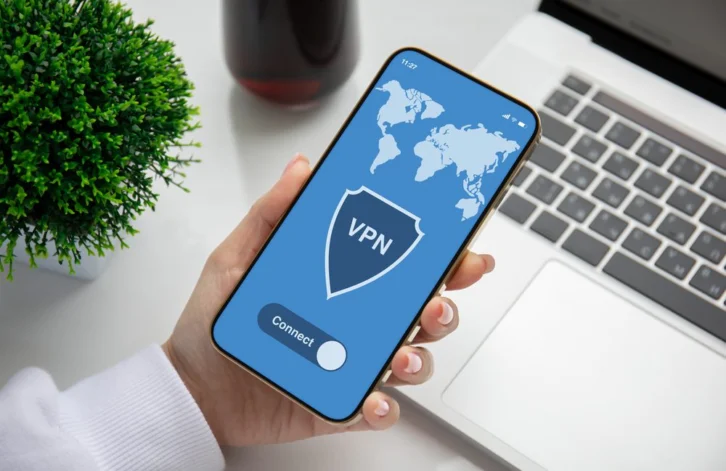
For families using a Mac laptop for homework and schoolwork, installing a VPN Mac app encrypts all outbound traffic, protecting login credentials and personal data even on open networks.
Encourage students to look for HTTPS in the address bar before entering any information on a website and to use mobile hotspot tethering when public networks are the only option available.